LinuxTV
Sep 26, 202618 stars
Turn any computer into a TV box, with your phone as the remote.
A TV-first operating system that boots from a USB stick and gives you big app tiles for YouTube, Netflix, Kodi and more, controlled from an Android remote.
Plug a computer into your TV, boot it from a USB stick and you get one big, easy screen with your favorite apps and websites. Nothing is installed on the computer, so removing the stick brings your old setup right back.
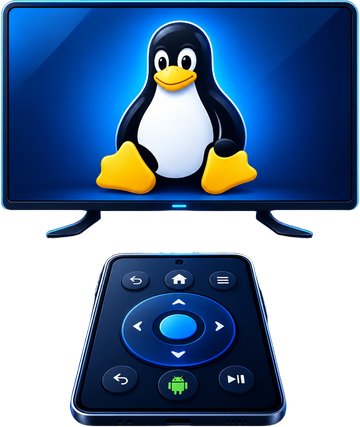
LinuxTV comes in two parts: the TV screen that runs on the computer, and LinuxTV Remote, an Android app that turns your phone into the remote, keyboard and touchpad.
Downloads
Latest build
Older versions are on the release page.
Features
Big, couch-friendly home
Large app tiles that grow and glow, a background that follows the selected app, and search as you type.
Apps and sites side by side
Netflix, YouTube, Prime Video, Disney+, Spotify, Kodi and VLC, or add any website you like.
Phone as remote
Arrow keys, OK, a swipeable touchpad, a full keyboard, macros, and volume and brightness sliders.
Runs from a USB stick
Settings, apps and files persist on the stick. Your computer's own disk is left untouched.
Control from the couch
Wi-Fi, Bluetooth, volume, brightness, system updates, power off and restart without leaving your seat.
Give old hardware new life
Free, no subscription, and happy on modest PCs and laptops that struggle with other systems.
Screenshots
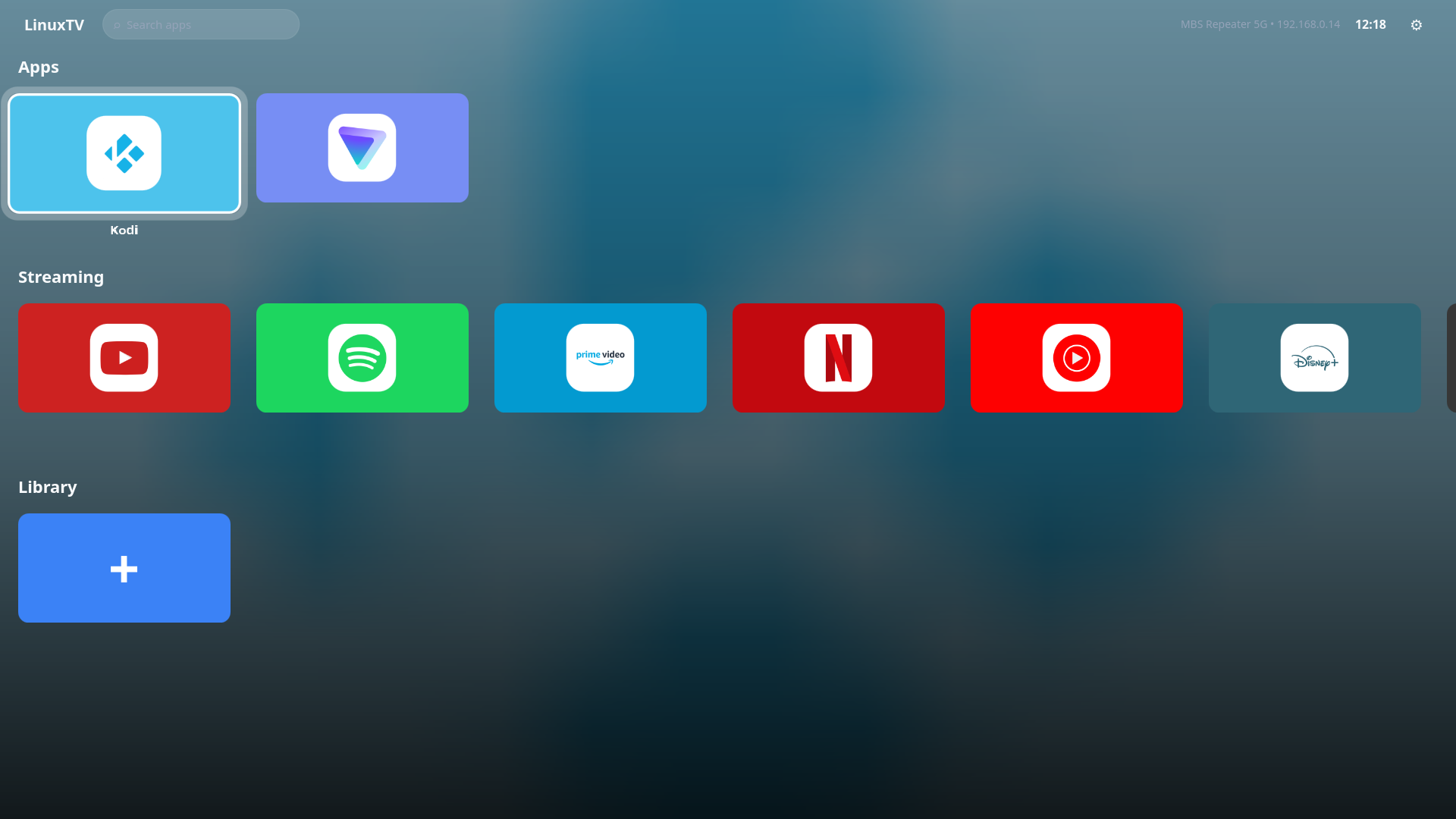
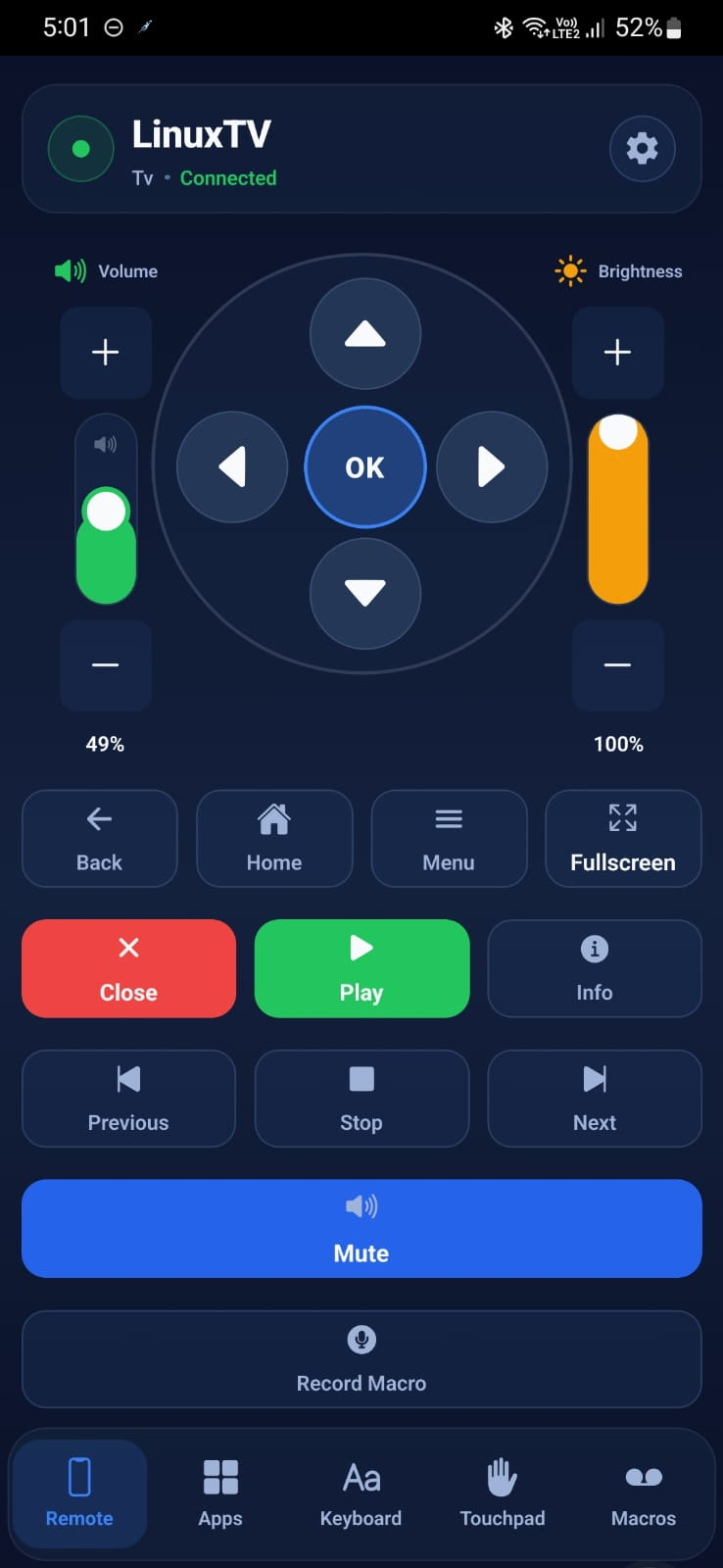
What you need
- A computer to connect to your TV
- A USB stick of 8 GB or more (it will be erased)
- An Android phone for the remote (optional but recommended)
- A USB keyboard and mouse for the first setup only
Good to know
- Flash the ISO with the flash tool, boot from the stick, then pair the remote with the code shown on the TV.